Skip to content

Public guide · AI data and safeguards

Clear rules for data, decisions and human checks.

This public guide explains the practical boundaries I use around approved information, access, human decisions, testing, provider changes, retention and manual fallback. It is not legal, privacy, cyber-security or compliance advice.

Relevant systems with visible review and approval.

These Jordan-built systems show visible comparison, review and approval. They are examples of control design, not proof of legal compliance or zero risk.

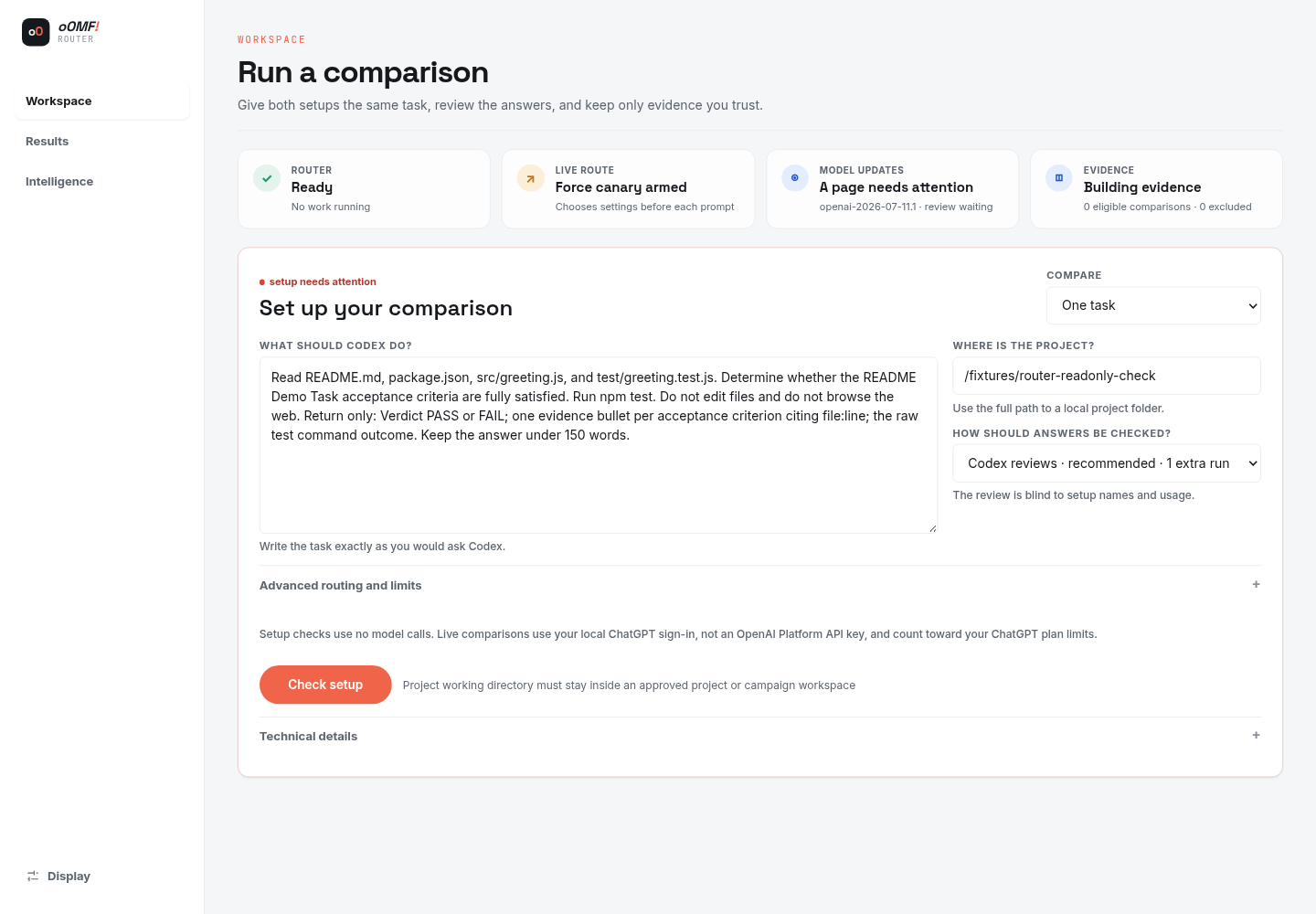
Built by Jordan · AI task-routing system

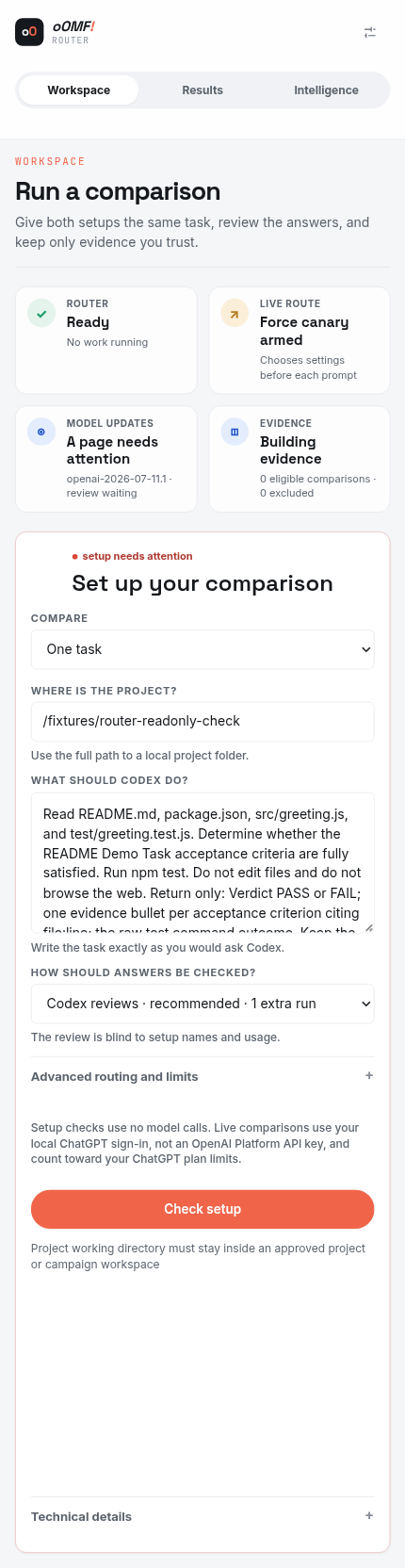
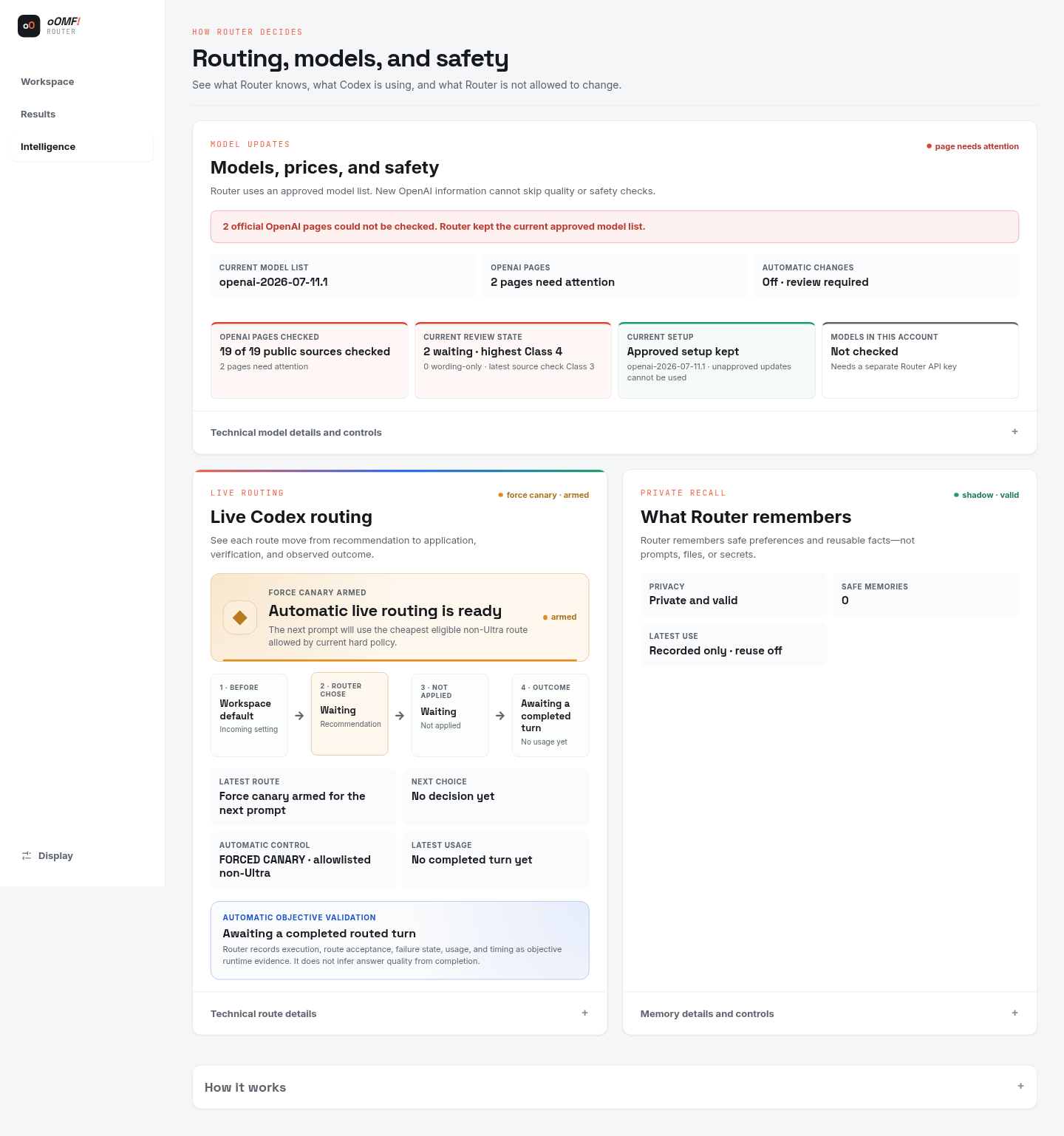
oOMF! Router

A comparison workspace that helps choose the right AI approach for a task.

Why it matters here: oOMF! Router keeps AI comparison evidence visible while a person retains the decision.

Problem
Different AI tasks need different tools, context and levels of human review.
Built
A comparison and recommendation interface with clear review points and decision ownership.
Outcome
A safe, read-only demonstration; it does not run live model requests.
  • AI workflows
  • Decision support
  • Systems

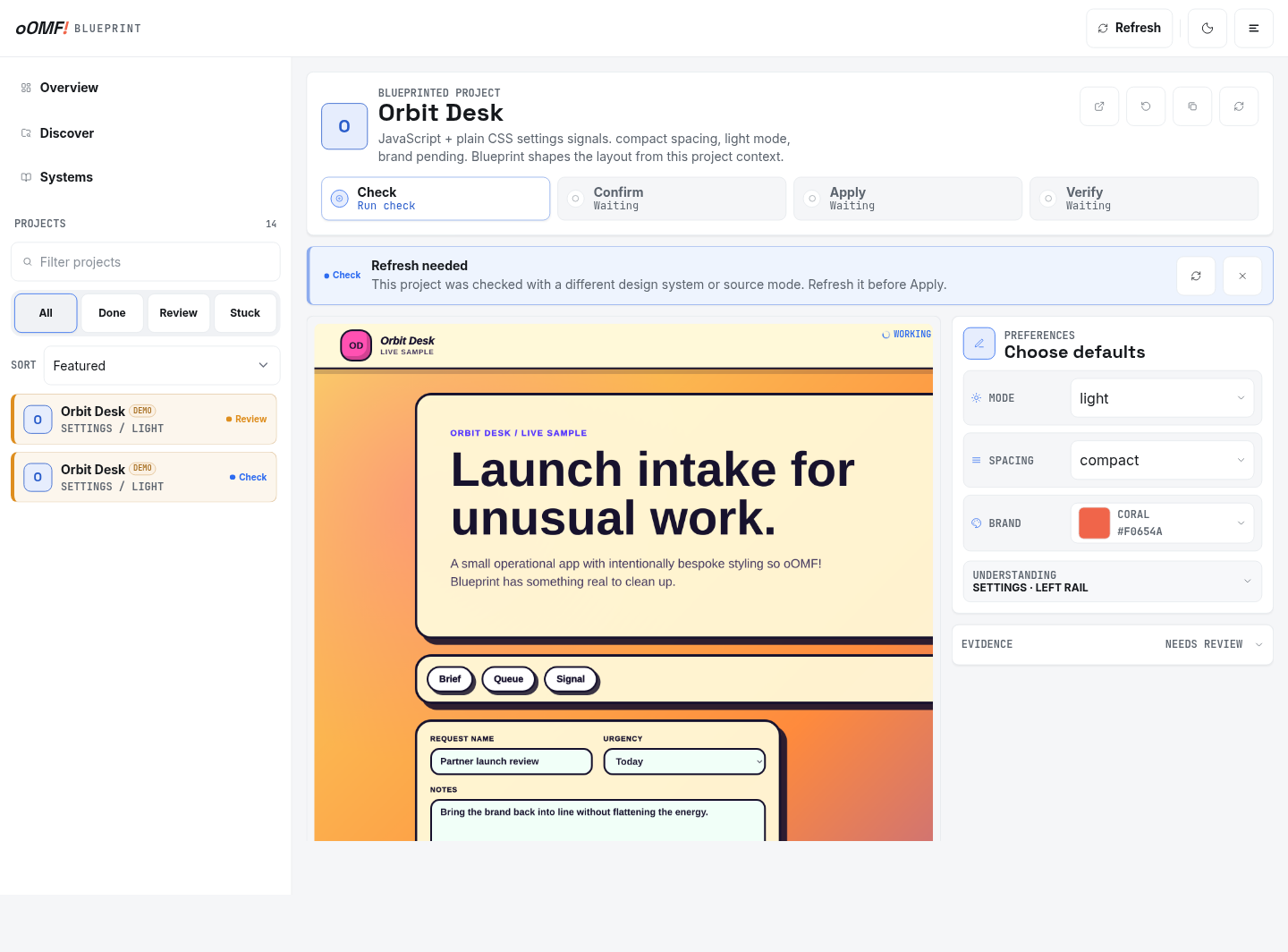
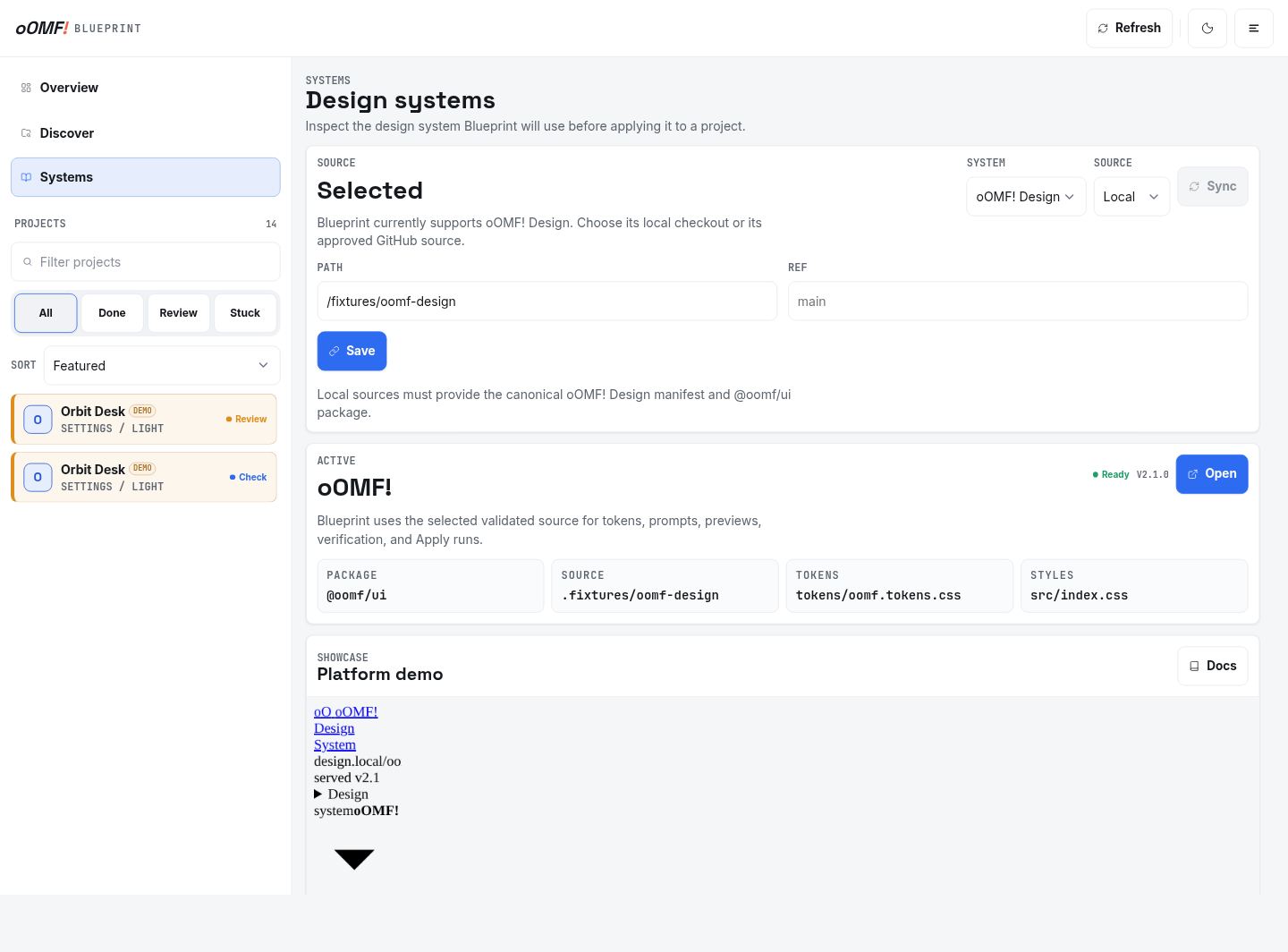
Built by Jordan · Planning and approval system

oOMF! Blueprint

A planning workspace shown with its built-in demonstration data.

Why it matters here: oOMF! Blueprint shows a structured plan, review and approval record before implementation.

Problem
Complex changes need a clear plan, review step and record of what was approved.
Built
A guided planning workflow with review and approval steps before changes begin.
Outcome
A clearer path from an agreed plan to careful implementation.
  • Planning
  • Approvals
  • Workflow

Safeguards to settle before live information is connected.

A useful workflow still needs clear rules for what it can use, what a person checks and what happens when a tool is unsure or unavailable.

  • Live information may be connected before its purpose is agreed.
  • Important output has no named human reviewer.
  • Uncertainty and provider failure have no manual path.
  • Retention, deletion and account ownership are unclear.

The minimum operating boundaries.

Make the approved information, access owners, human decisions, tests, limits and fallback visible before live work is connected.

01

Approved information and accounts

Name the provider, account, information types, permitted purpose and people responsible for approval.

02

Named human review

Record what a person checks, the evidence they need and when work must be escalated.

03

Testing and manual fallback

Test representative work, uncertainty and failure, then keep a clear way to finish without the tool.

04

Documented ownership and limits

Write down access, retention, deletion, known limits, provider ownership and support.

How safeguards become part of the workflow.

Minimise information first, keep people responsible and make uncertainty, failure and provider change part of the operating model.

Start with less information

Use a description, sample or redacted example until live information is genuinely needed.

Agree owners and checks

Name account owners, permitted purpose, human reviewers, tests and escalation.

Document failure and change

Record the manual path, retention, deletion, known limits and provider-change decisions.

What this public guide can and cannot do.

It provides practical questions and boundaries, but it is not specialist assurance, certification or a complete audit.

Fit check

Use these principles when...

  • The workflow owner can approve providers and information use
  • Important messages and decisions can keep a named reviewer
  • A manual path and escalation owner can be documented

Scope check

Seek appropriate specialist advice when...

  • Certification or complete security assurance is required
  • Information would be used without authority
  • The system is expected to remove all risk or replace specialist advice

Questions about the guide and its limits.

Is this legal, privacy or cyber-security advice?

No. It is a practical operating guide. Higher-risk work may need an appropriately qualified specialist.

Should we send live customer records to discuss a workflow?

Usually not. Start with a general description and sample or redacted information.

Does human review remove every risk?

No. It gives important output a responsible check, but no system or review process removes all risk.

Start with a general description.

Explain the workflow and the kinds of information involved. Do not send credentials or sensitive records. This form uses the AI Opportunity Map enquiry and confirmation path.

Location
Ballarat, Australia
Response
Usually within one business day

A rough version is useful. Please leave passwords, private keys and sensitive customer information out.

Name, email, business, service, repeated task, better result and both AI Opportunity Map acknowledgements are required. Website and timing are optional.

AI Opportunity Map acknowledgementsRequired only when the AI Opportunity Map is selected.

I receive this request so I can assess and answer your enquiry. Do not send passwords, private keys or sensitive customer records. Optional campaign attribution is recorded only when analytics are allowed. Read the privacy policy or use Privacy settings in the footer. This form is protected by reCAPTCHA and Google's Privacy Policy and Terms of Service apply.