Skip to content

Dashboards, portals and private team tools

Put the right information and next action in one place.

I design focused dashboards, portals and internal tools when people repeatedly combine information, cannot see ownership or need a clearer role-specific view of the same work.

Relevant dashboards and workflow products.

These Jordan-built products use sample or synthetic information to show dashboards, workflow state and permissions without exposing client records.

Built by Jordan · Operations interface demo

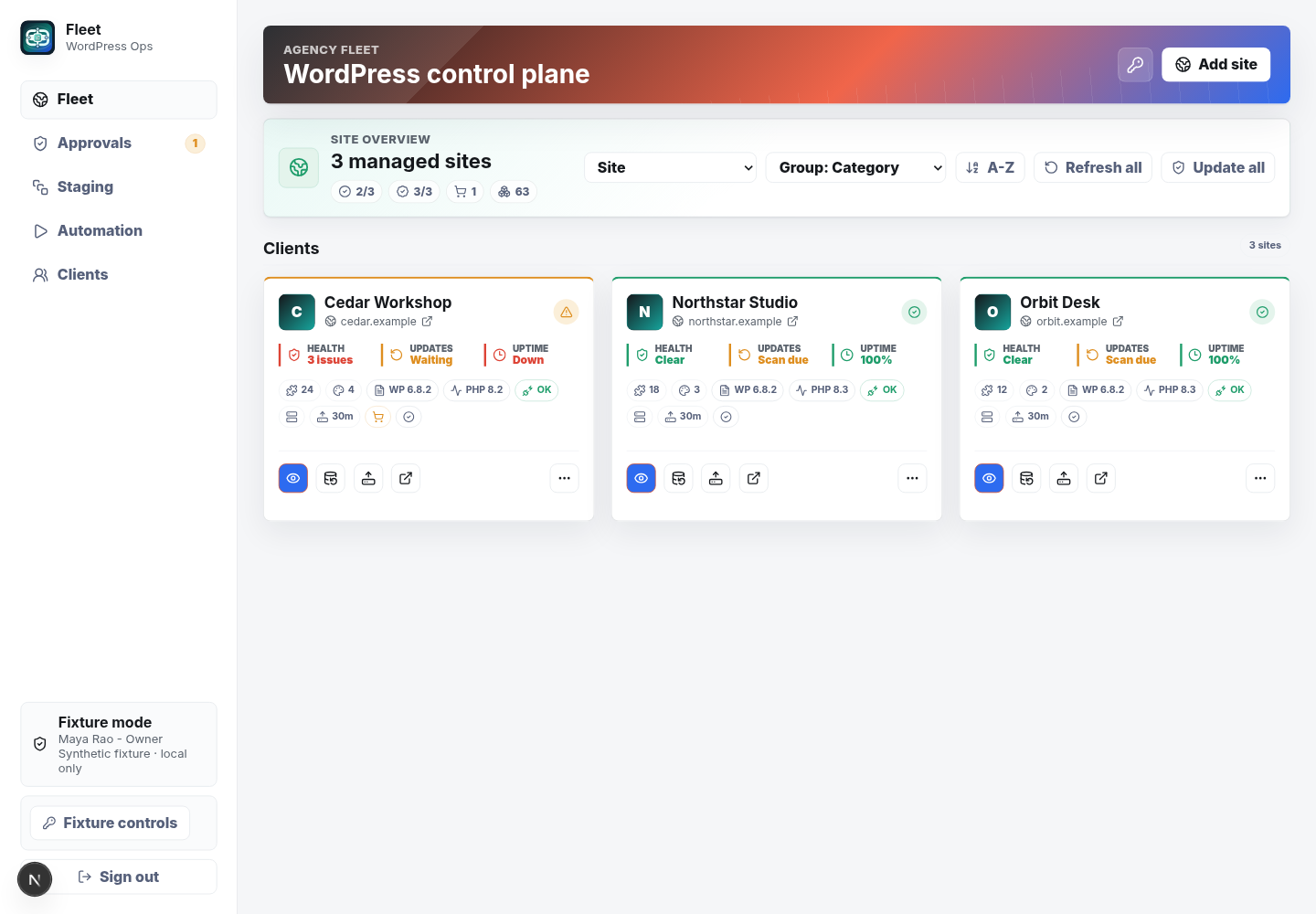
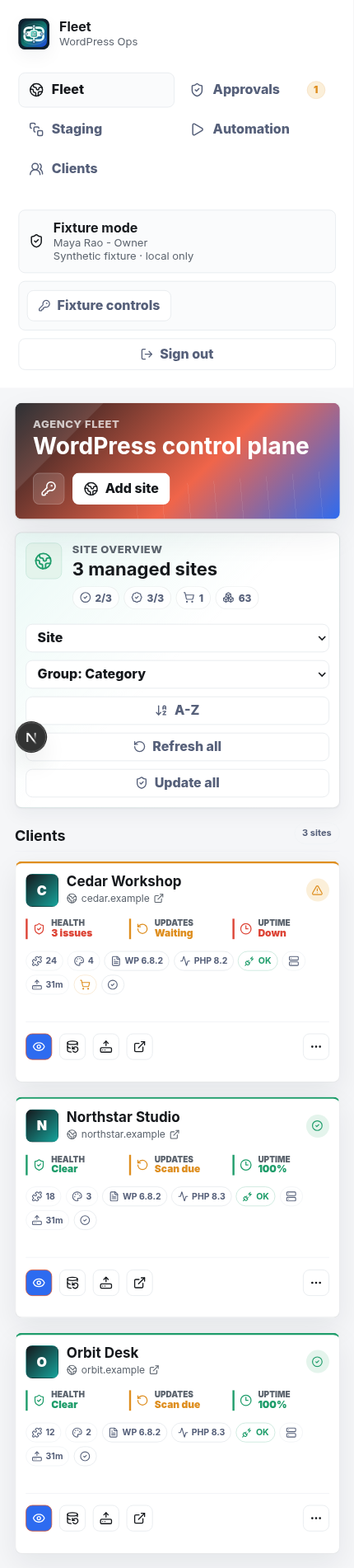
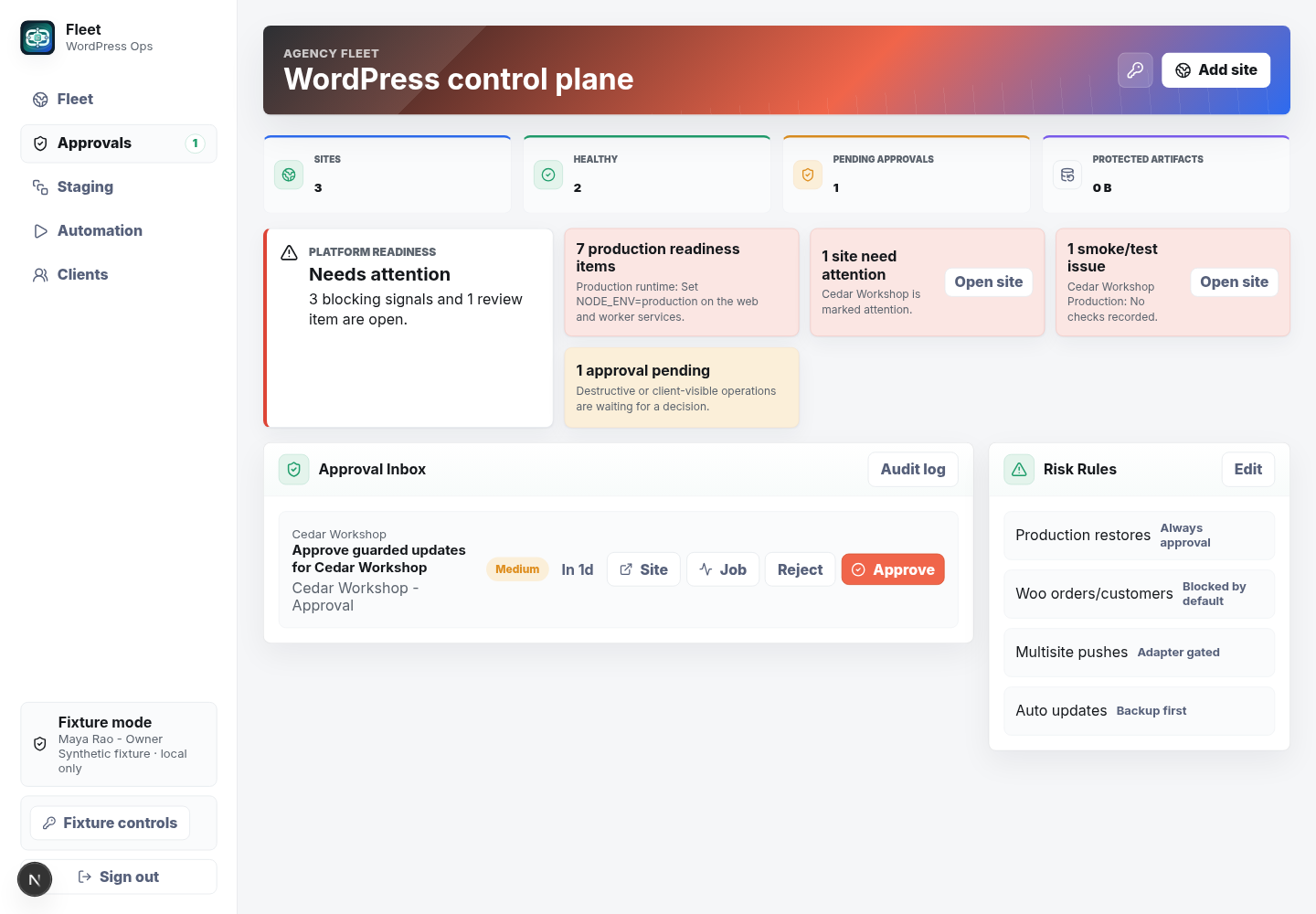
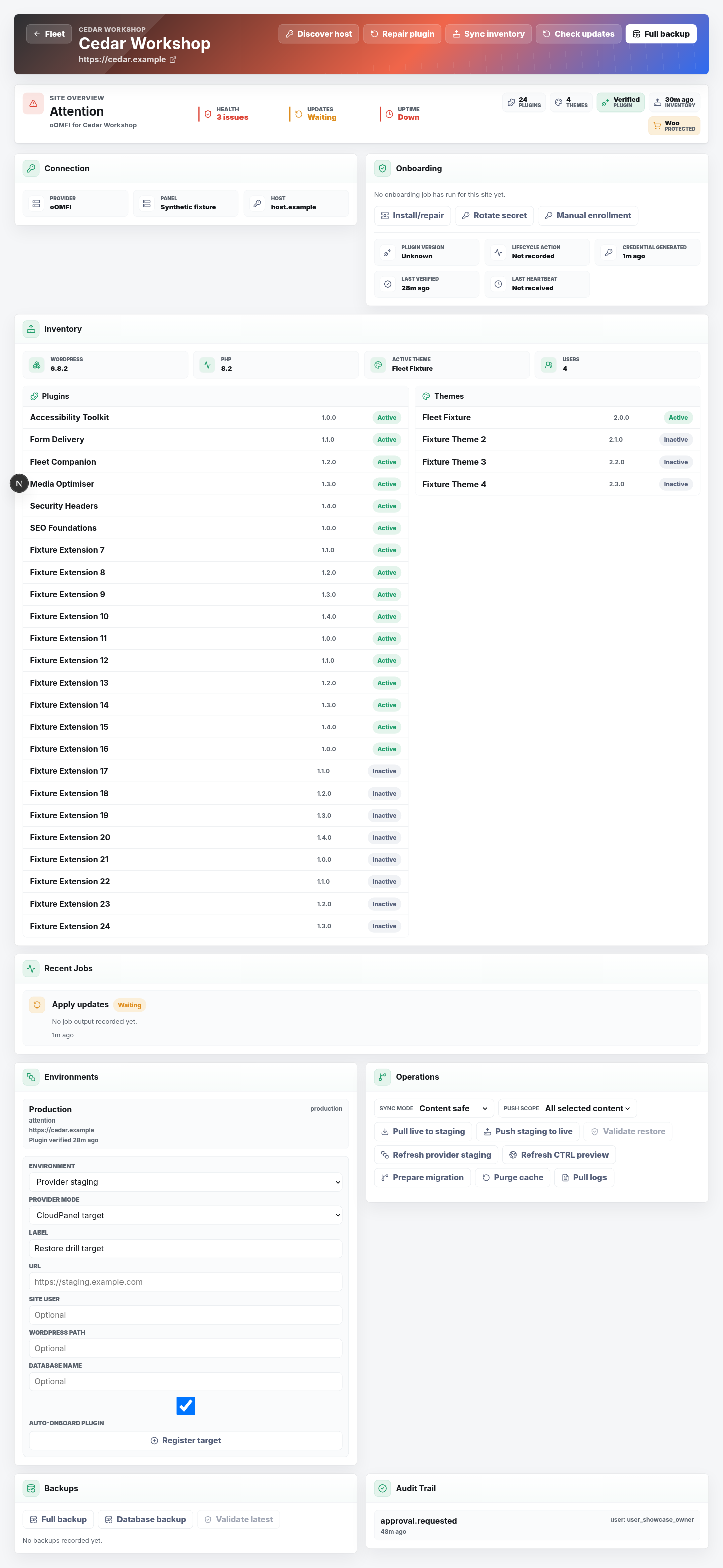
Fleet

A private demonstration of an operations workspace using sample data.

Why it matters here: Fleet is a synthetic operations workspace showing status, approvals and follow-up in role-focused views.

Problem
Teams need one clear place to see site status, approvals and follow-up work.
Built
A responsive interface with sample project details, approvals and status views.
Outcome
A safe demonstration of the interface without showing a real customer record.
  • Operations
  • System design
  • Workflow

Built by Jordan · WordPress workflow product

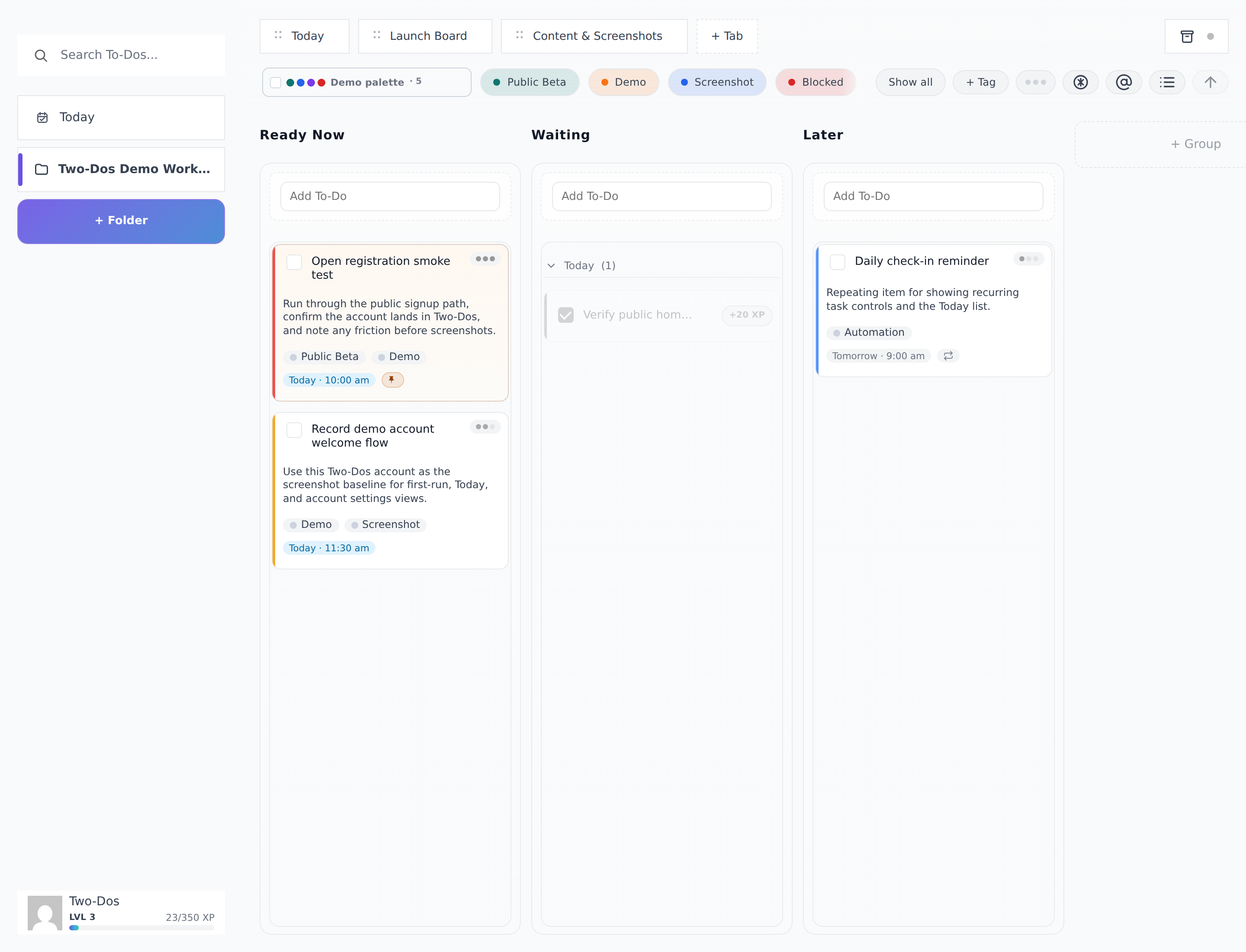
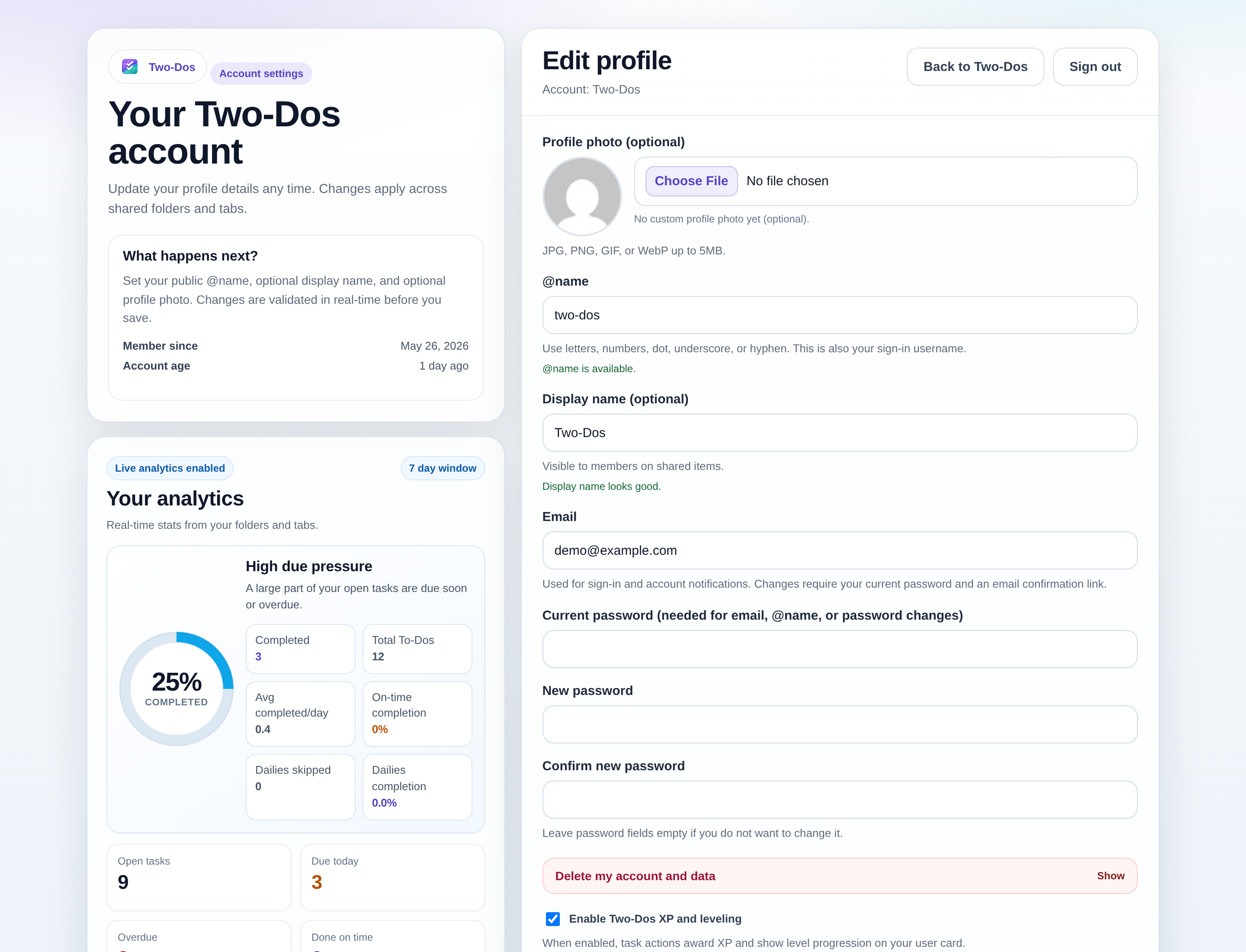
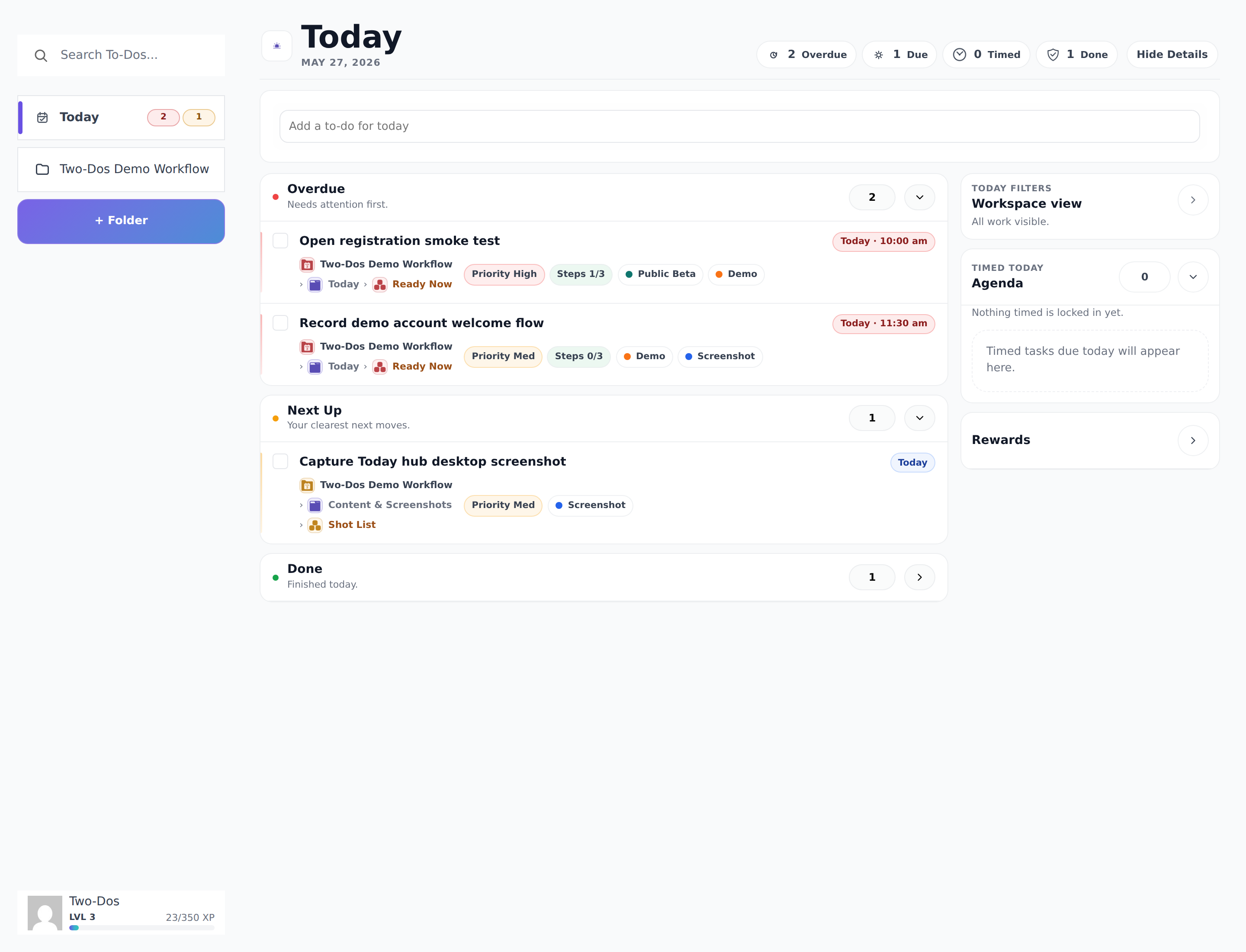
Two-Dos

A WordPress workspace for tasks, priorities and follow-up work.

Why it matters here: Two-Dos demonstrates a WordPress product that brings tasks, priorities and workflow states together.

Problem
Planning and follow-up states can scatter across tools and memory.
Built
Today planning, workflow views, account settings and supportable workspace controls.
Outcome
One reliable place to manage tasks, priorities and workflow state.
  • WordPress
  • Workflow
  • Follow-up

When the current tools hide the current position.

A new view helps when the same information is repeatedly rebuilt or the current system hides status, ownership and the next task.

  • People repeatedly combine the same information by hand.
  • Nobody can see the current owner or next action.
  • Different users need clear views and permissions.
  • A useful inherited tool is becoming too risky to change.

What makes a private tool supportable.

Start with the lightest supportable option, then make the source, permissions, actions, testing and fallback explicit.

01

Source and ownership map

Name the authoritative source, field meaning, correction owner and late-data response.

02

Role-based views and actions

Show each person only the information and actions needed for their part of the work.

03

Validation and device testing

Check missing details, errors, permissions, long content and important tasks on actual devices.

04

Handover and manual fallback

Record access owners, common tasks, known limits, support and the path when a source is unavailable.

How information becomes a clear next action.

Understand the users, source and action first, then choose configuration or a focused build that the team can own.

Map users and sources

Confirm who needs the view, where information comes from and who owns corrections.

Configure or build

Prefer a clear existing-tool setup, or build the smallest focused tool when needed.

Test and hand over

Check permissions and core tasks on real devices, then document ownership, support and fallback.

Does the team need a new tool or a clearer existing view?

The useful first decision is whether configuration can expose the status and action without another application.

Fit check

This is probably a good fit if...

  • A clear group of users and actions can be named
  • The authoritative information sources and owners can be identified
  • The team can test core tasks on the devices it uses

Scope check

Discovery or a broader program is likely better if...

  • A new application is assumed before existing configuration is reviewed
  • Source ownership and permitted access cannot be established
  • The brief is an open-ended enterprise transformation program

Questions before building a private tool.

Does this need to become a large application?

No. A configured view or focused tool may be enough.

Can it use information we already have?

Often. The source, ownership, quality and permitted access are reviewed first.

Can people use it on a phone?

Yes, when mobile use is part of the scope. Important actions are checked on the actual devices.

Put the current position and next step in one place.

Describe who needs the view, where the information comes from and what action should become easier.

Location
Ballarat, Australia
Response
Usually within one business day

A rough version is useful. Please leave passwords, private keys and sensitive customer information out.

Name, email, service and a short description are required. Business, website and timing are optional.

I receive this request so I can assess and answer your enquiry. Do not send passwords, private keys or sensitive customer records. Optional campaign attribution is recorded only when analytics are allowed. Read the privacy policy or use Privacy settings in the footer. This form is protected by reCAPTCHA and Google's Privacy Policy and Terms of Service apply.