Skip to content

Ongoing AI and automation support

Keep an agreed AI or automation process working.

I provide one support path for questions, fixes, documentation, supported-version training, agreed checks and bounded improvements after a workflow is in use.

Relevant operations and content-support systems.

These Jordan-built examples show visible ownership, status, approvals and handover. They are systems evidence, not a claim of guaranteed support outcomes.

Built by Jordan · Operations interface demo

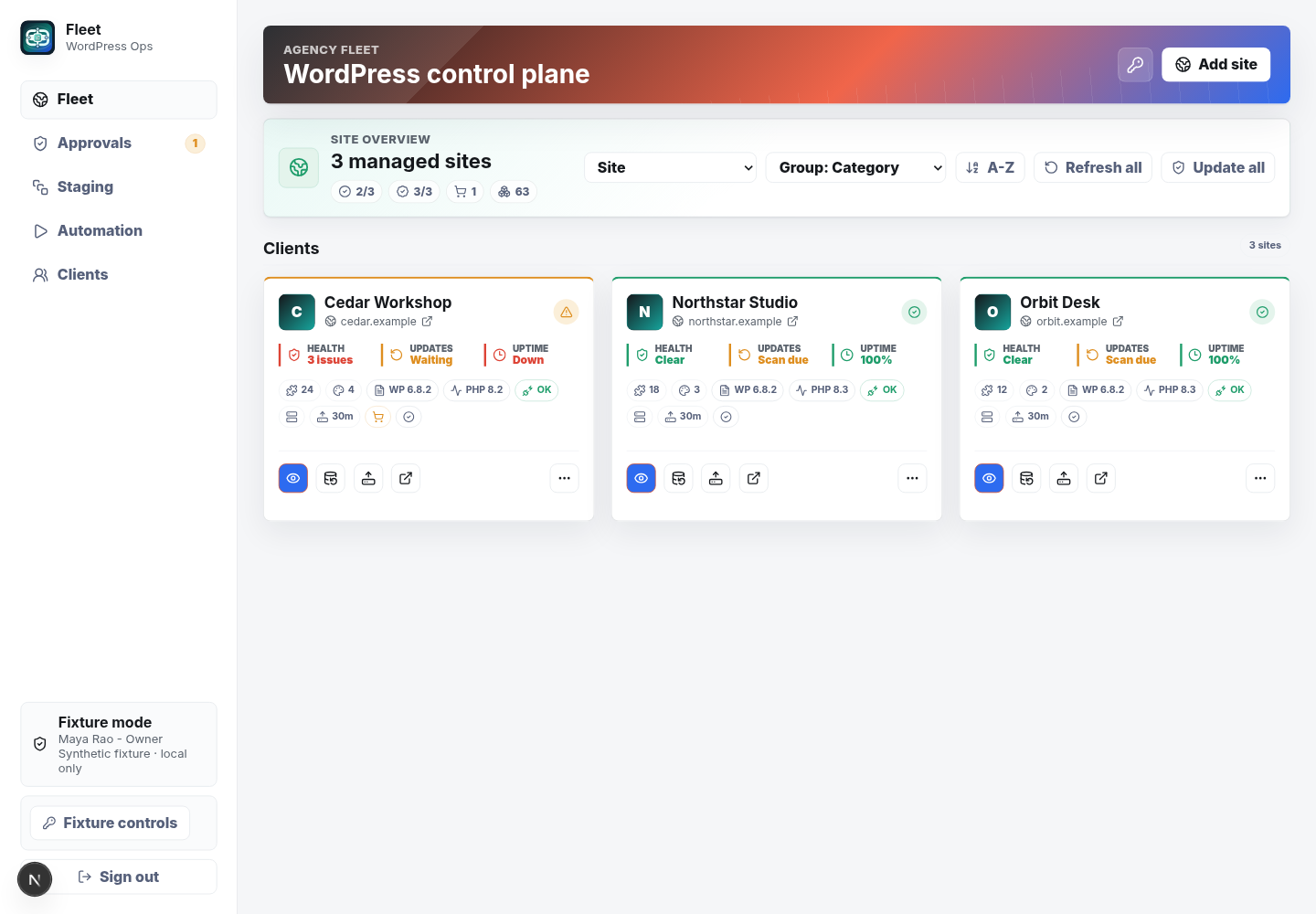
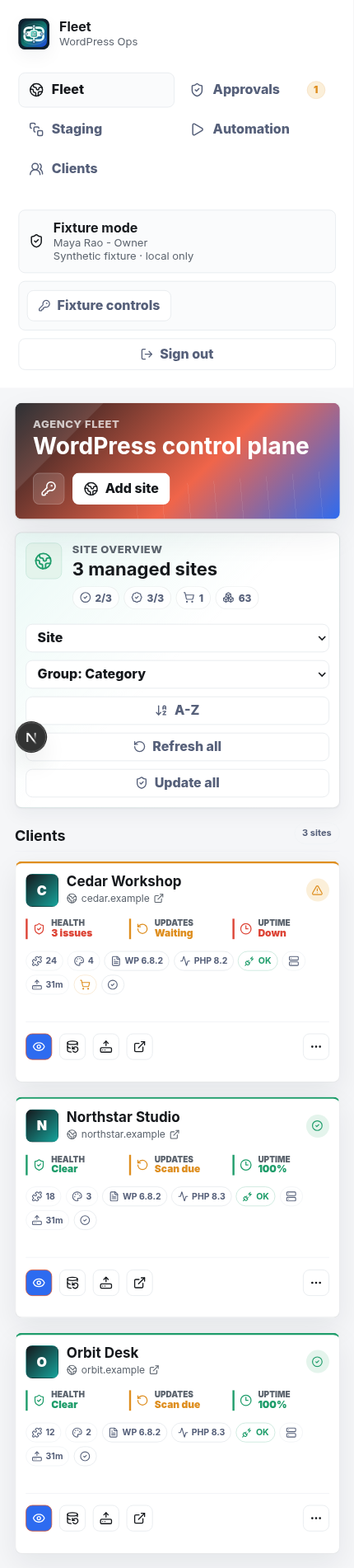
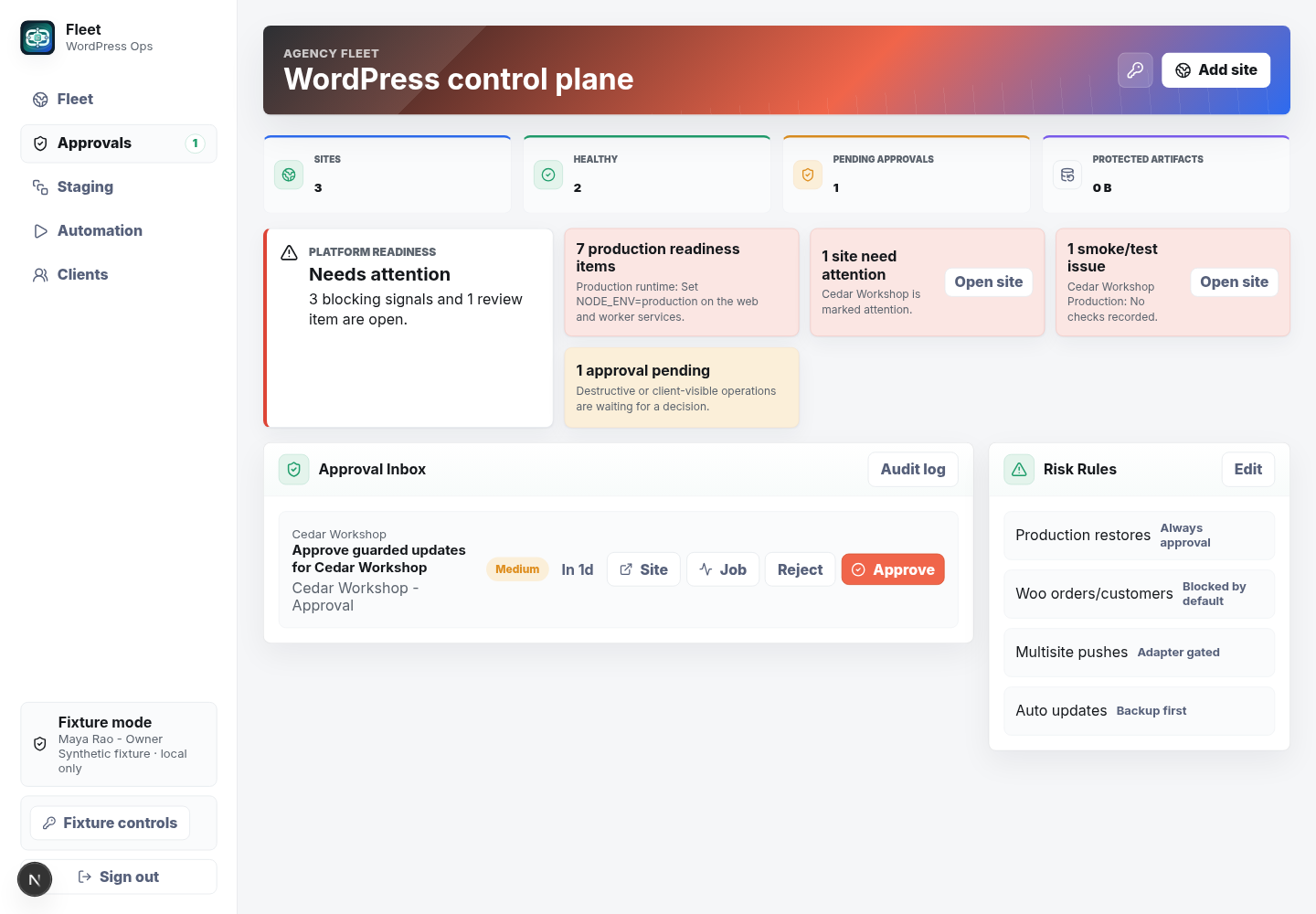
Fleet

A private demonstration of an operations workspace using sample data.

Why it matters here: Fleet shows how site status, approvals and follow-up can remain visible in a synthetic operations workspace.

Problem
Teams need one clear place to see site status, approvals and follow-up work.
Built
A responsive interface with sample project details, approvals and status views.
Outcome
A safe demonstration of the interface without showing a real customer record.
  • Operations
  • System design
  • Workflow

Built by Jordan · Content workflow pilot

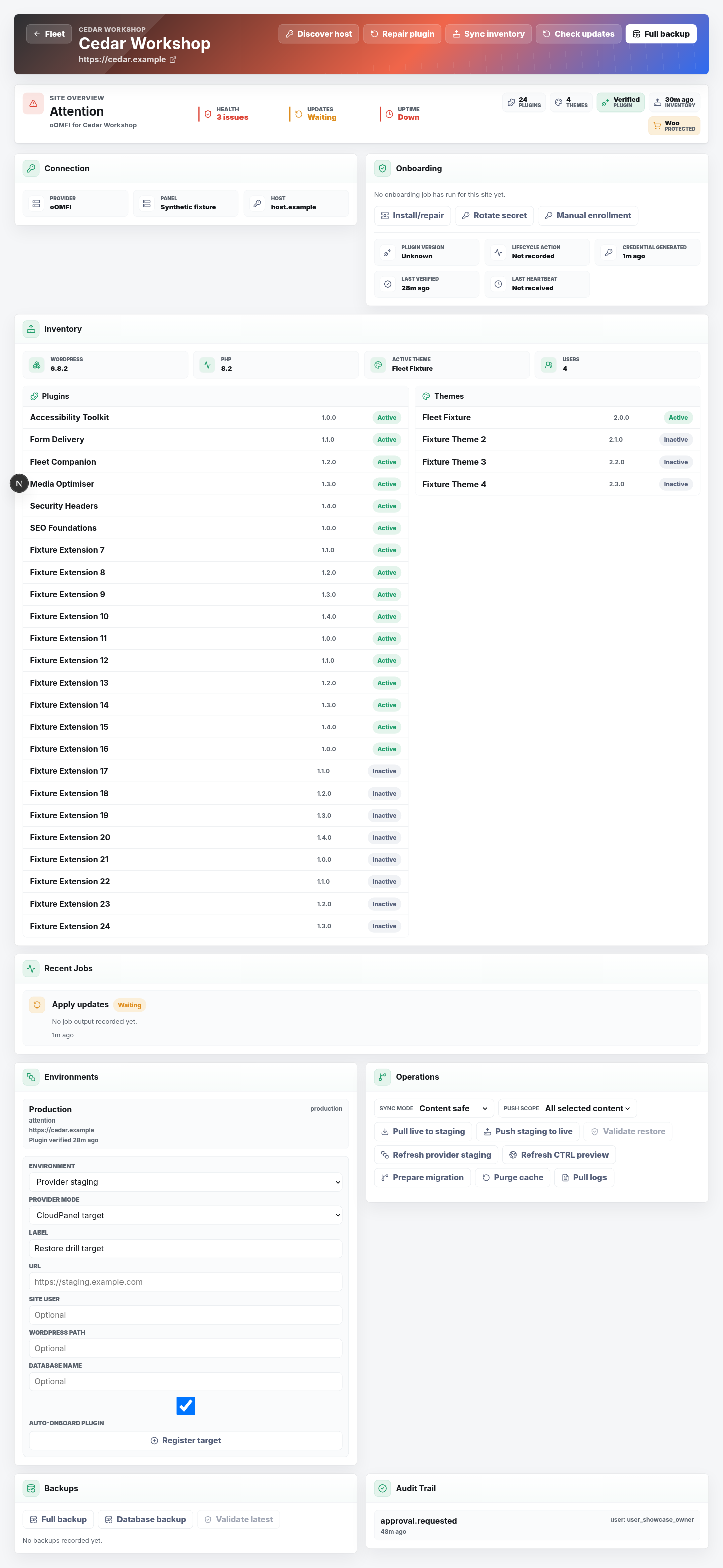
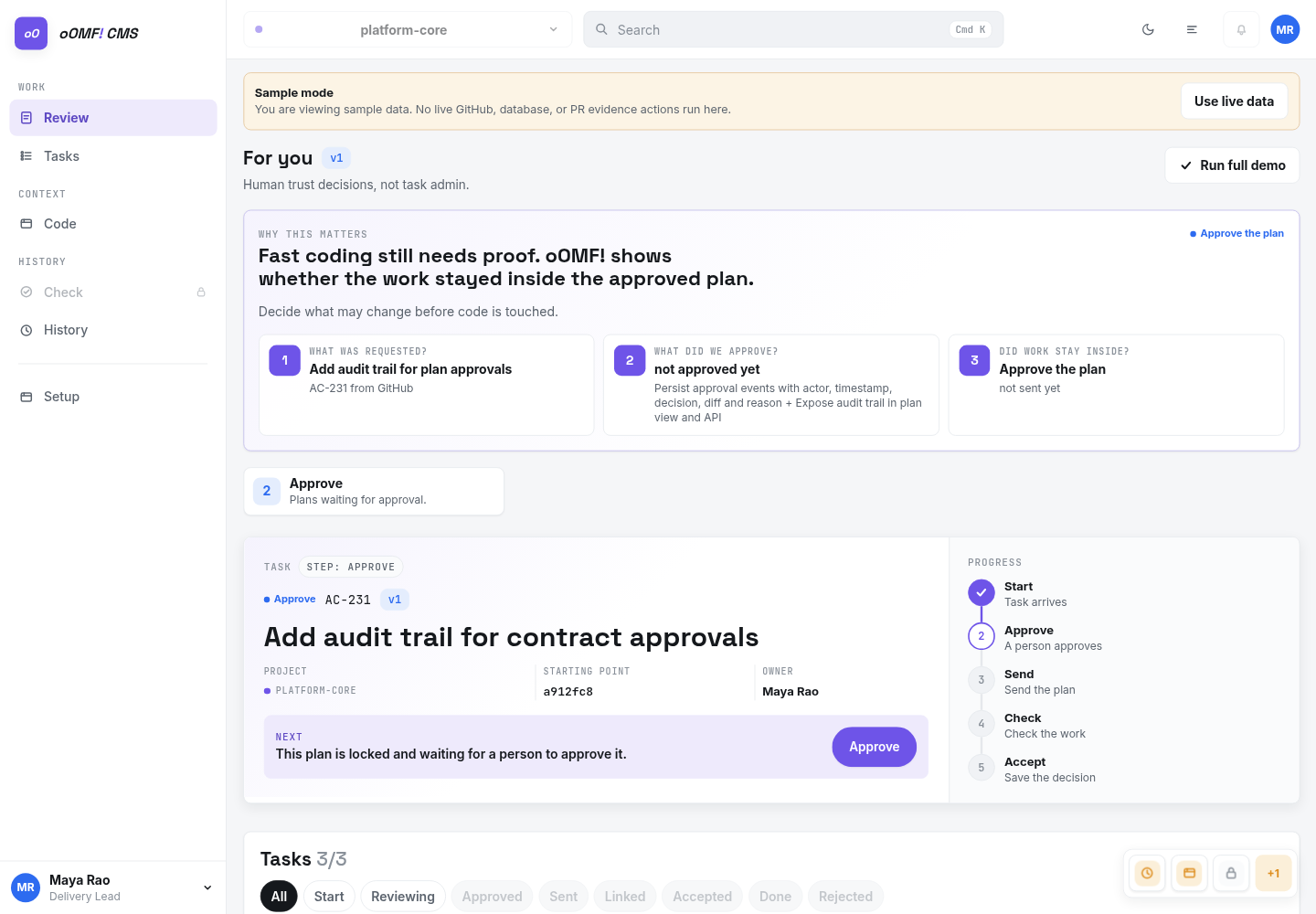
oOMF! CMS

A local content workspace shown with sample information.

Why it matters here: oOMF! CMS shows why attention, approval and completion states make ongoing work easier to support.

Problem
Content changes need clear ownership, approvals and a reliable handover.
Built
A content workflow that records attention, approval and completion in one place.
Outcome
A clearer way to manage content work from request to handover.
  • CMS
  • Content operations
  • Workflow

When a live workflow needs a named support path.

Managed support suits a workflow or connected set of tools that people already rely on and need someone to keep understandable.

  • Users have no clear place to ask workflow questions.
  • Documentation and ownership are falling behind the live system.
  • The same issue keeps returning without an underlying review.
  • Provider changes or failed steps have no agreed response path.

What ongoing support can cover.

Bring everyday questions, faults, documentation and agreed improvements into one bounded support model.

01

Questions and fault investigation

Help users understand the approved process and investigate faults inside the agreed support boundary.

02

Current documentation

Keep instructions, owners, known limitations and the fallback path aligned with agreed changes.

03

Supported-version training

Help new and existing users follow the current approved workflow.

04

Agreed checks and improvements

Run named checks and make bounded improvements that fit the written support scope.

How support requests move from issue to next step.

Use one request path, enough operating context and a written boundary so support stays understandable.

Send the issue

Describe the affected workflow, user, expected result and visible problem.

Confirm priority and scope

Assess impact, risk and whether the request sits inside the written support boundary.

Fix, explain or scope

Record the result, or propose larger work separately before it begins.

Does the system have enough ownership for ongoing support?

Support begins with a review of systems, access, owners, known issues and the boundary people can rely on.

Fit check

This is probably a good fit if...

  • A workflow or connected system is already in use
  • Business, information and access owners can be named
  • The support boundary and request path can be agreed

Scope check

A different service model is likely needed if...

  • A 24-hour emergency or guaranteed-uptime service is required
  • Unlimited changes are expected inside a support allocation
  • Nobody can approve access, information use or workflow changes

Questions before ongoing support.

Can you support something you did not build?

Often, yes. The system, access, documentation, owners and known risks are reviewed before support is agreed.

Is every request included?

No. Requests are checked against the agreed systems, boundaries and available support scope.

What happens if a provider changes its service?

I review the effect and explain the options. Any larger migration or replacement is approved separately.

Give the system a clear support owner.

Share what is already in use, who relies on it and where support is missing.

Location
Ballarat, Australia
Response
Usually within one business day

A rough version is useful. Please leave passwords, private keys and sensitive customer information out.

Name, email, service and a short description are required. Business, website and timing are optional.

I receive this request so I can assess and answer your enquiry. Do not send passwords, private keys or sensitive customer records. Optional campaign attribution is recorded only when analytics are allowed. Read the privacy policy or use Privacy settings in the footer. This form is protected by reCAPTCHA and Google's Privacy Policy and Terms of Service apply.
