Skip to content

Practical AI training for teams

Help your team use AI without creating confusion.

I turn everyday examples into approved use cases, simple information boundaries, human-review rules and a one-page guide the team can use after the session.

Relevant decision and approval systems.

These Jordan-built systems show explainable recommendations and explicit approval steps, which are central to responsible day-to-day AI use.

Built by Jordan · AI task-routing system

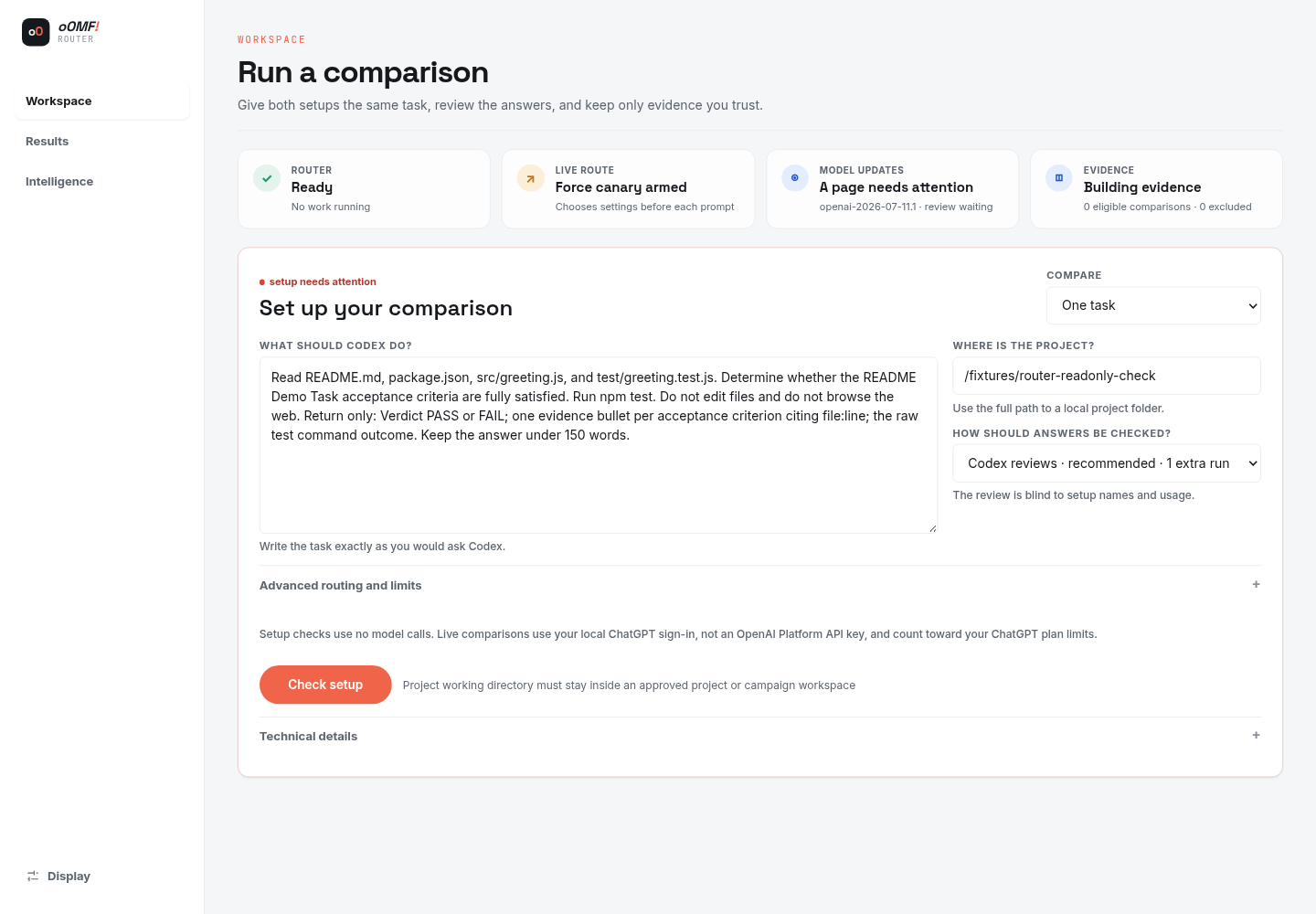
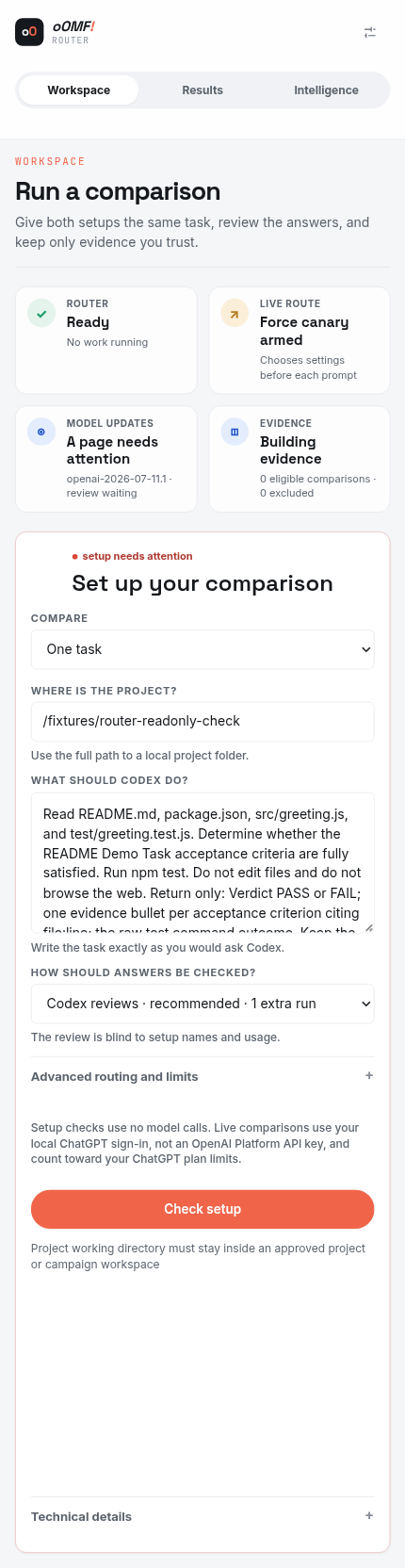
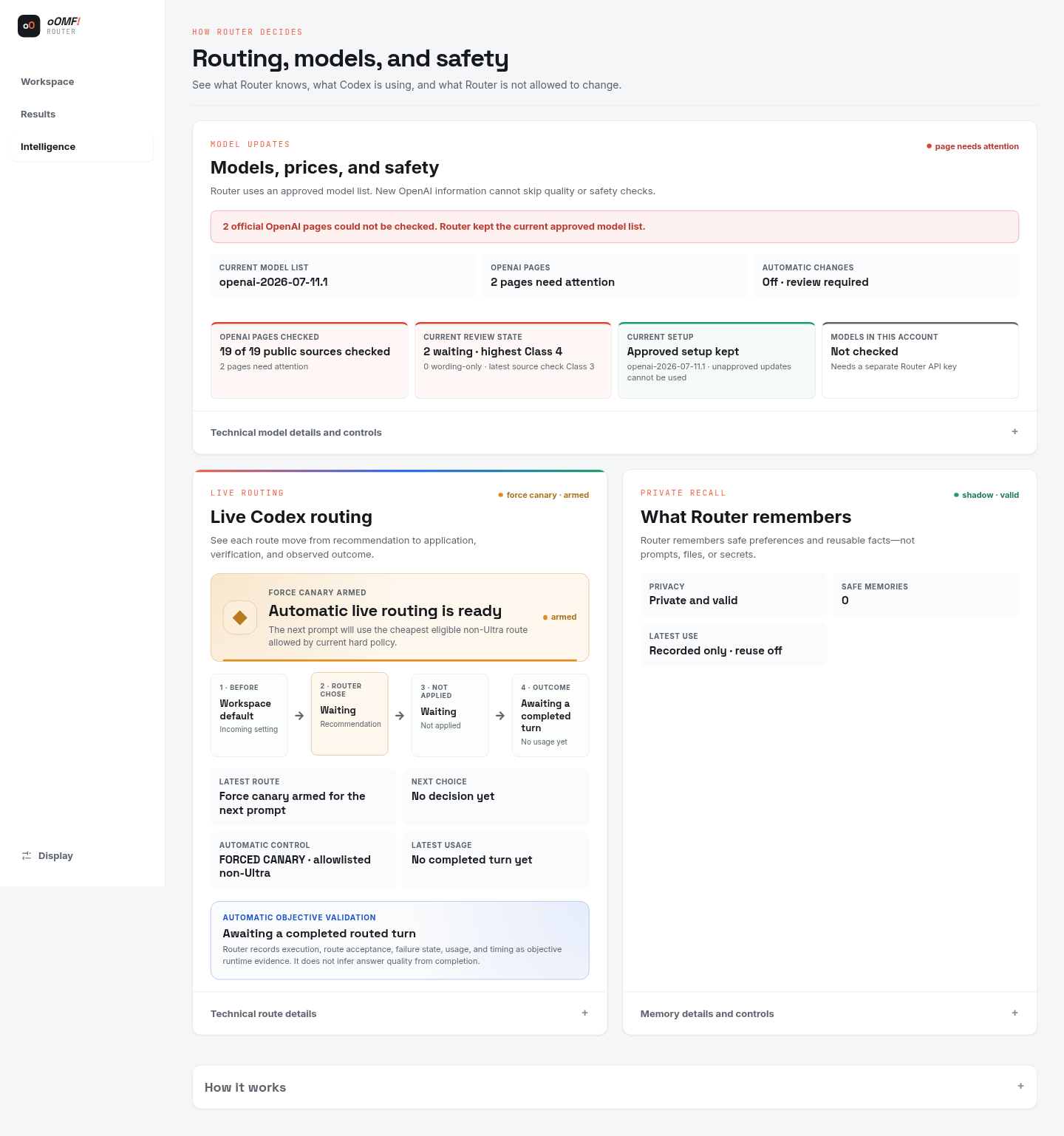
oOMF! Router

A comparison workspace that helps choose the right AI approach for a task.

Why it matters here: oOMF! Router demonstrates that an AI recommendation should expose enough context for a person to review it.

Problem
Different AI tasks need different tools, context and levels of human review.
Built
A comparison and recommendation interface with clear review points and decision ownership.
Outcome
A safe, read-only demonstration; it does not run live model requests.
  • AI workflows
  • Decision support
  • Systems

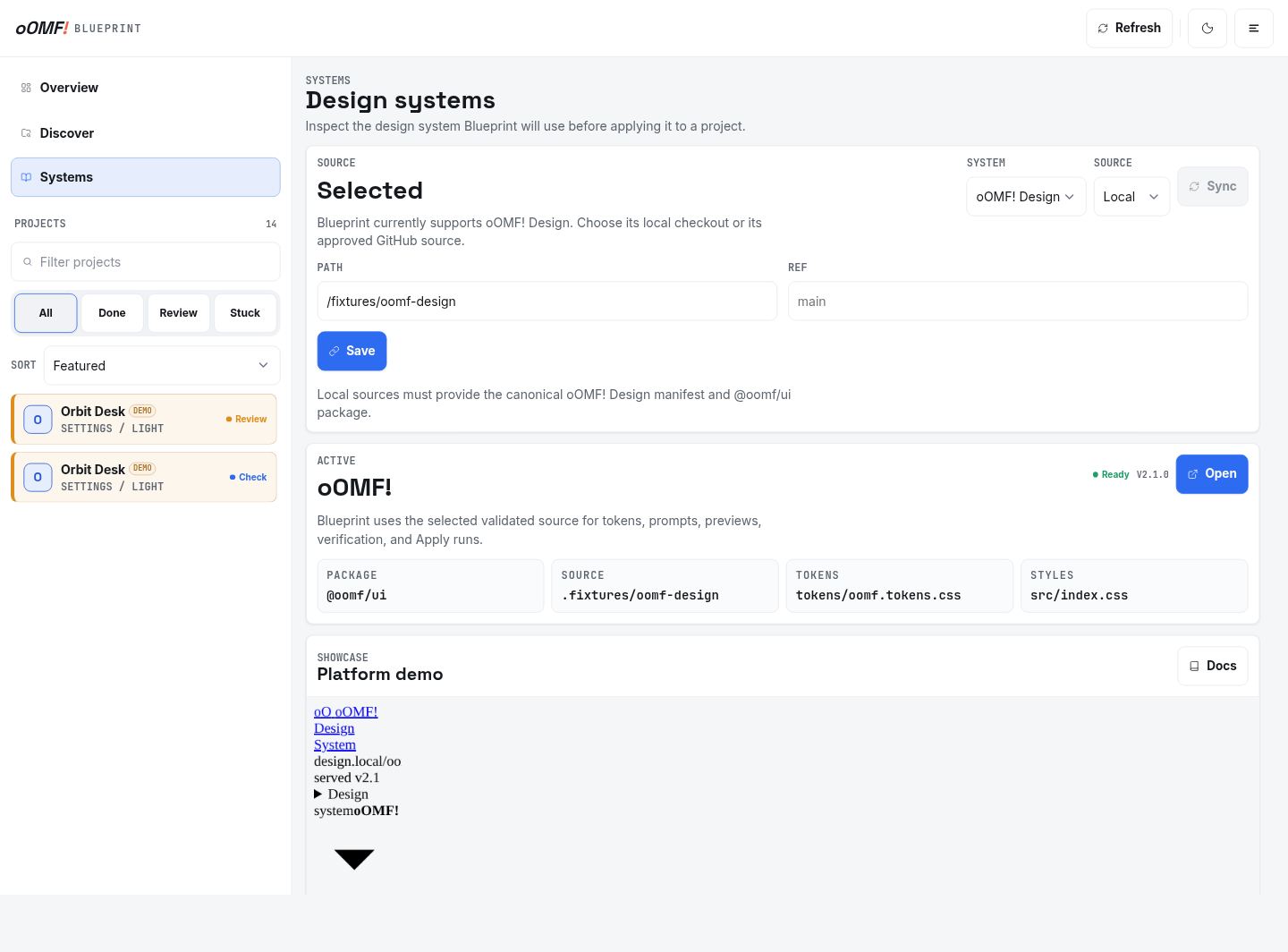
Built by Jordan · Planning and approval system

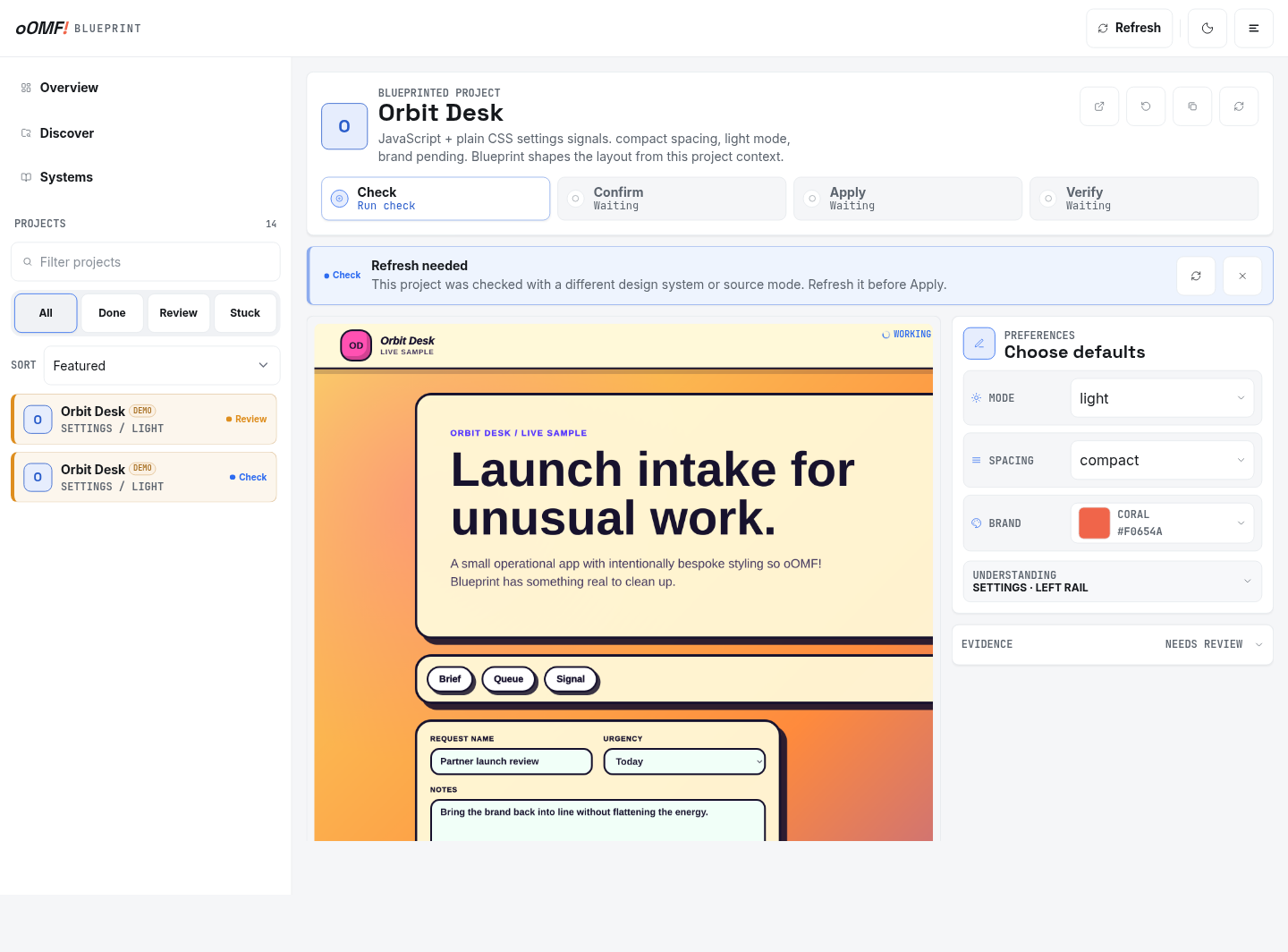
oOMF! Blueprint

A planning workspace shown with its built-in demonstration data.

Why it matters here: oOMF! Blueprint demonstrates a visible plan, review and approval path before implementation.

Problem
Complex changes need a clear plan, review step and record of what was approved.
Built
A guided planning workflow with review and approval steps before changes begin.
Outcome
A clearer path from an agreed plan to careful implementation.
  • Planning
  • Approvals
  • Workflow

When individual AI habits need shared guidance.

Training helps when people are already experimenting or need a clear, shared starting point for approved tools.

  • People are experimenting without shared boundaries.
  • Managers need approved use cases and escalation points.
  • The team is unsure what information can be entered.
  • Confident-looking output is being mistaken for checked work.

What the team leaves with.

Connect recognisable team tasks to practical rules for information, review, uncertainty and escalation.

01

Use-case workshop

Identify useful and unsuitable tasks for the team and its approved tools.

02

Team training session

Practise recognisable examples, review weak results and leave time for questions.

03

Information and review guidance

Record what may be entered, what stays out and what a person must check before use.

04

One-page team guide

Leave approved tools, limits, owners, review steps and escalation in a concise reference.

How practical training is prepared and delivered.

Prepare examples that match real work, practise the review step and leave a guide people can refer to later.

Agree the setting

Confirm the approved tools, team questions, suitable tasks and information boundaries.

Practise and review

Use prepared, public, sample or redacted examples to test useful and weak results.

Leave usable guidance

Document approved uses, prohibited information, human checks, owners and escalation.

Is practical team training the right next step?

Training works best when the organisation can approve tools, use cases, information rules and owners.

Fit check

This is probably a good fit if...

  • The organisation has approved tools or a defined tool choice
  • Managers can approve use cases and information boundaries
  • Prepared, public, sample or redacted examples can be used

Scope check

Specialist advice or implementation is likely better if...

  • A legal or regulatory certification is required
  • The session is expected to replace internal policy ownership
  • A production workflow build is expected inside the training scope

Questions before practical AI training.

Is this a legal compliance certification?

No. It is practical team guidance. Legal, privacy, employment or industry advice may need an appropriate specialist.

Can the session use our approved tool?

Yes, when access and the examples can be prepared appropriately.

Can you help us choose use cases?

Yes. The workshop can identify useful tasks and the information or review limits around them.

Give the team clear, practical guidance.

Share the approved tools, the questions people are asking and the use cases you want to discuss.

Location
Ballarat, Australia
Response
Usually within one business day

A rough version is useful. Please leave passwords, private keys and sensitive customer information out.

Name, email, service and a short description are required. Business, website and timing are optional.

I receive this request so I can assess and answer your enquiry. Do not send passwords, private keys or sensitive customer records. Optional campaign attribution is recorded only when analytics are allowed. Read the privacy policy or use Privacy settings in the footer. This form is protected by reCAPTCHA and Google's Privacy Policy and Terms of Service apply.